Pokopia Recomp (Recompia) on PC
Pokopia Recomp (Recompia) statically translates Pokémon Pokopia (Nintendo Switch 2, version 2.0.1a) to run natively on Windows, Linux, SteamOS, and Apple Silicon macOS with Link Play co-op and Modtopia mods.
- Stable buildv0.11.1November 12, 2026
- Testing buildv0.12.0-beta.1Win / Linux / macOS
- Target dumpv2.0.1abase + updates / .nup
- Link Play & ModsModtopia .pkmodLAN & Room Code Relay
- Total downloads53,629+687 GitHub stars
Choose your PC or Mac package
Direct GitHub Release assets from Dittobyte/Recompia (v0.11.1 Stable & v0.12.0-beta.1 Testing), tinfoil-chewer/pokopia-recomp-linux, and berichan/PokoHex.
Recompia v0.11.1 Stable (Windows 10/11 x64)
Recommended. PokopiaRecomp-0.11.1-win64.zip · 180.2 MB (180,221,573 B)

Native recompilation across PC, Deck & Mac
Rather than emulating a Switch 2 CPU at run time, Dittobyte/Recompia (formerly featureJosh/pokopia-recomp) lifts the 2.0.1a game modules into native code  translates 99,012 shaders to SPIR-V
 and adds room-code Link Play, Modtopia
.pkmod support, and SDL3 gamepad prompts 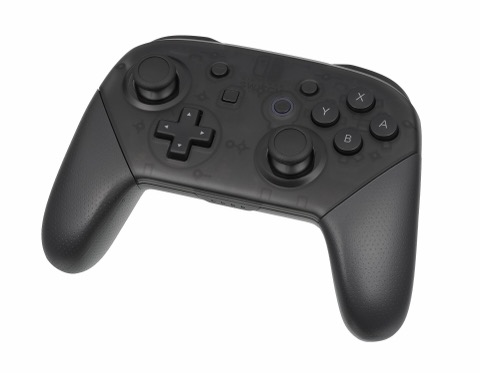 across Windows, Linux, Steam Deck, and macOS ARM64.
Ahead-of-time compilation from your 2.0.1a dump
PokopiaLauncher compiles the four Switch 2 game modules into a native executable on your machine (~7 minutes) and builds a pausable shader cache (~14 GB packed) with incremental updates.
Link Play co-op over LAN or room-code internet relay
Visit friends’ islands on the same Wi-Fi or over the internet via the built-in Recompia relay (204.216.111.91:47610), with cross-play support for pokopia-native players on version 2.0.1.
Modtopia .pkmod loader, Browse hub & Achievements
Added in v0.11.1 and expanded in v0.12.0-beta.1: install .pkmod packages shared with Pokopia Native, browse the Modtopia hub inside the launcher, layer romfs_mod folders, and track Community Achievements.
Native Linux (libpkp_rt.so) & macOS ARM64 (libpkp_rt.dylib)
Introduced in v0.12.0-beta.1 (#562): run natively on Linux (glibc 2.35+, no Proton required) and Apple Silicon Macs (Metal via MoltenVK, CoreAudio, 16 KiB page write tracking).
Verify your download locally
Drop any Recompia, Linux AppImage, or PokoHex archive to verify its SHA-256 in your browser against all 122 published release files. Nothing leaves your device.
Measured numbers
Every figure below is taken directly from the upstream repositories, release notes, and verified hardware telemetry.
Switch 2 shader programs translated into local SPIR-V cache
First-time C code compilation stage inside PokopiaLauncher
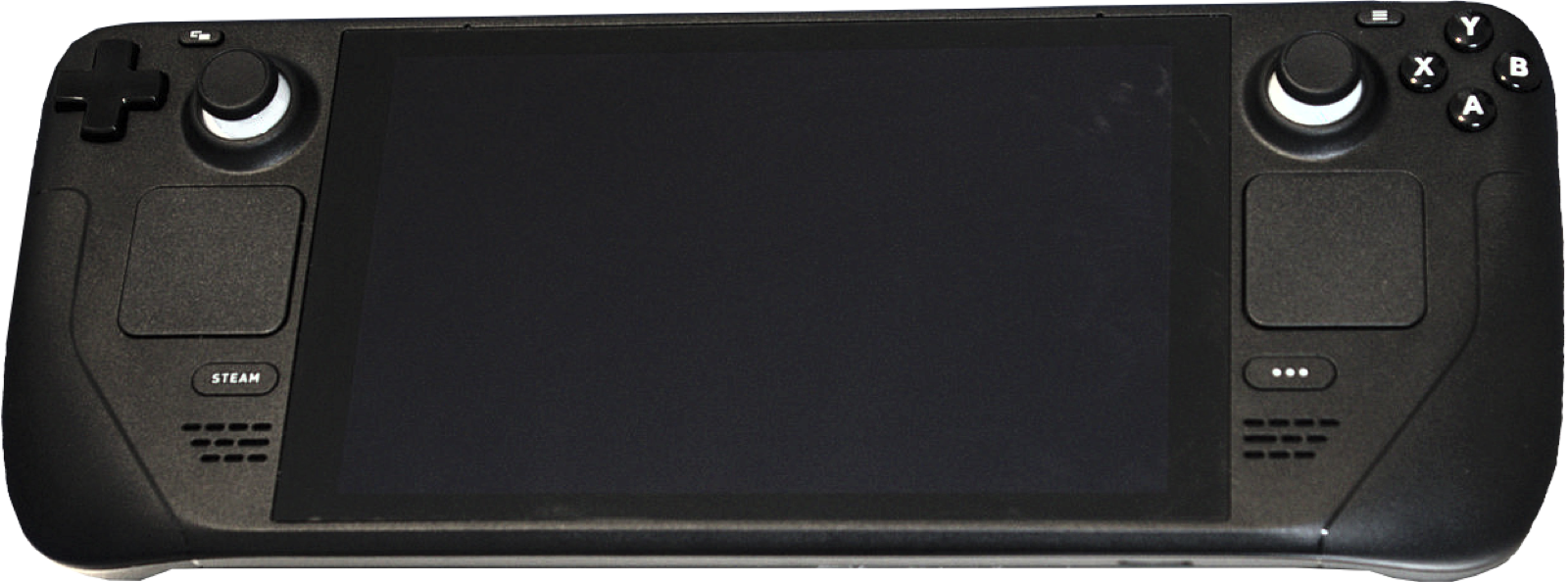
Measured handheld frame rate on Steam Deck LCD at 720p (16:10)
Configurable Pokémon town resident cap (up from 25 on console)
Disk space used by packed shader cache (vs ~31 GB loose)
GitHub Release downloads across 40 Recompia builds since November 2, 2026
Release channels, ecosystem & quick setup
Compare v0.11.1 Stable and v0.12.0-beta.1 Testing, explore companion tools like PokoHex, and follow the 2.0.1a setup flow.
Controllers for Pokopia Recomp
Recompia uses SDL3 for native gamepad input, rumble, motion controls, L3+R3 F1 overlay access, and 6 Kenney button icon themes. These controllers pair cleanly on Windows, Linux, SteamOS and macOS:
| Controller | Best For in Pokopia Recomp | Hardware Advantage | Link |
|---|---|---|---|
| GameSir Cyclone 2 | Island building & camera aim | TMR sticks, Hall linear/microswitch triggers, gyro + 1000 Hz dongle | View on Amazon |
| 8BitDo Ultimate 2 Wireless | Switch layout & SteamOS dock | TMR sticks, 2.4 GHz charging dock, instant Switch/XInput toggle | View on Amazon |
| Sony DualSense | PlayStation glyphs & USB motion | 6-axis IMU + native PlayStation button prompt theme in F1 menu | View on Amazon |
| Xbox Wireless Controller | Windows 10/11 & Link Play co-op | Native XInput + View+Menu hold to quit or open handheld overlay | View on Amazon |
As an Amazon Associate, this site earns from qualifying purchases.
Common questions
What is Pokopia Recomp (Recompia)?
Pokopia Recomp (Recompia, Dittobyte/Recompia, formerly featureJosh/pokopia-recomp, GPL-3.0 License) is an open-source static recompilation of Pokémon Pokopia (Nintendo Switch 2, version 2.0.1a). It compiles your own extracted copy of the game into a native executable for Windows 10/11 x64, Linux x86_64, SteamOS, and Apple Silicon macOS ARM64.
Does Pokopia Recomp include game files, keys, or dumping tools?
No. Neither the upstream project nor this reference site provides any game files, keys, firmware, or dumping tools. You must supply your own extracted copy of Pokémon Pokopia version 2.0.1a (either a folder containing base and updates, or a single .nup file).
What is the difference between Stable (v0.11.1) and Testing (v0.12.0-beta.1)?
Stable (v0.11.1) is the default release channel for Windows 10/11 and Linux (running via Proton Experimental), featuring room-code Link Play and Modtopia .pkmod support. Testing (v0.12.0-beta.1) adds the unified 3-platform native pipeline (#562), so Linux runs natively via libpkp_rt.so without Proton and Apple Silicon Macs run natively via libpkp_rt.dylib and Metal/MoltenVK, plus the Modtopia Browse hub, Community Achievements page, and experimental in-game Item Editor.
How does Link Play multiplayer work?
In PokopiaLauncher, open the Link Play page and choose Same network (automatic LAN discovery) or Internet (room-code hosting and joining through the built-in Recompia relay at 204.216.111.91:47610). In-game, interact with the PC in your first house (available after reaching Environment Level 2 in the Withered Wasteland), choose Link Play > Local connection, and select Invite Others to Visit or Visit a Friend. Cross-play works with pokopia-native players on game version 2.0.1.
Can I import my save from Ryujinx or Eden, or edit it with PokoHex?
Yes. In the launcher’s Settings page, one button locates your existing Eden or Ryujinx save and copies it over without modifying the emulator’s copy, or you can point it to any folder containing B00, G00, and S00. To edit inventory items, villager friendship, map layout, skills, or progression flags, use PokoHex v0.2.2 on Windows or in your browser.
Why does the first launch stutter or take time to set up?
During first-time setup, PokopiaLauncher compiles the game code (~7 minutes on a desktop PC) and translates the shader cache (~14 GB packed). You can tick Use fewer cores and pause or resume shader translation at any time. On your first launch in-game, the driver finishes compiling pipeline state before subsequent runs become smooth.